
Consider kits instead of individual components
I recently finished building a high-voltage power supply for my home lab and needed a number of new parts I did not already have on hand. Many of the parts I ordered from Mouser and Digikey including the LR8 voltage regulators, high-voltage MOFETs, the heat sinks, several high-voltage capacitors, and 100 1N4007 rectifier diodes. [1] However, there are often parts where I am unsure of what value I will need or that I might use similar but not identical parts in future projects. For this latter category of items a kit of parts might make more sense because I can get an assortment of similar items at a relatively small cost to test in my circuit and stock in my lab.
For example, for the high-voltage power supply I was unsure if a linear or logarithmic potentiometer would give a more natural feel for adjusting the voltage. Rather than buy a few select values, I found this potentiometer assortment for $26 that pretty much covers any one-turn pot I would ever need. In addition, distributors like Digikey and Mouser require you to buy the potentiometer and knob separately, whereas the kit includes both (as well as washers, nuts and dust seals). It even includes a nut driver to tighten the potentiometer to a panel.
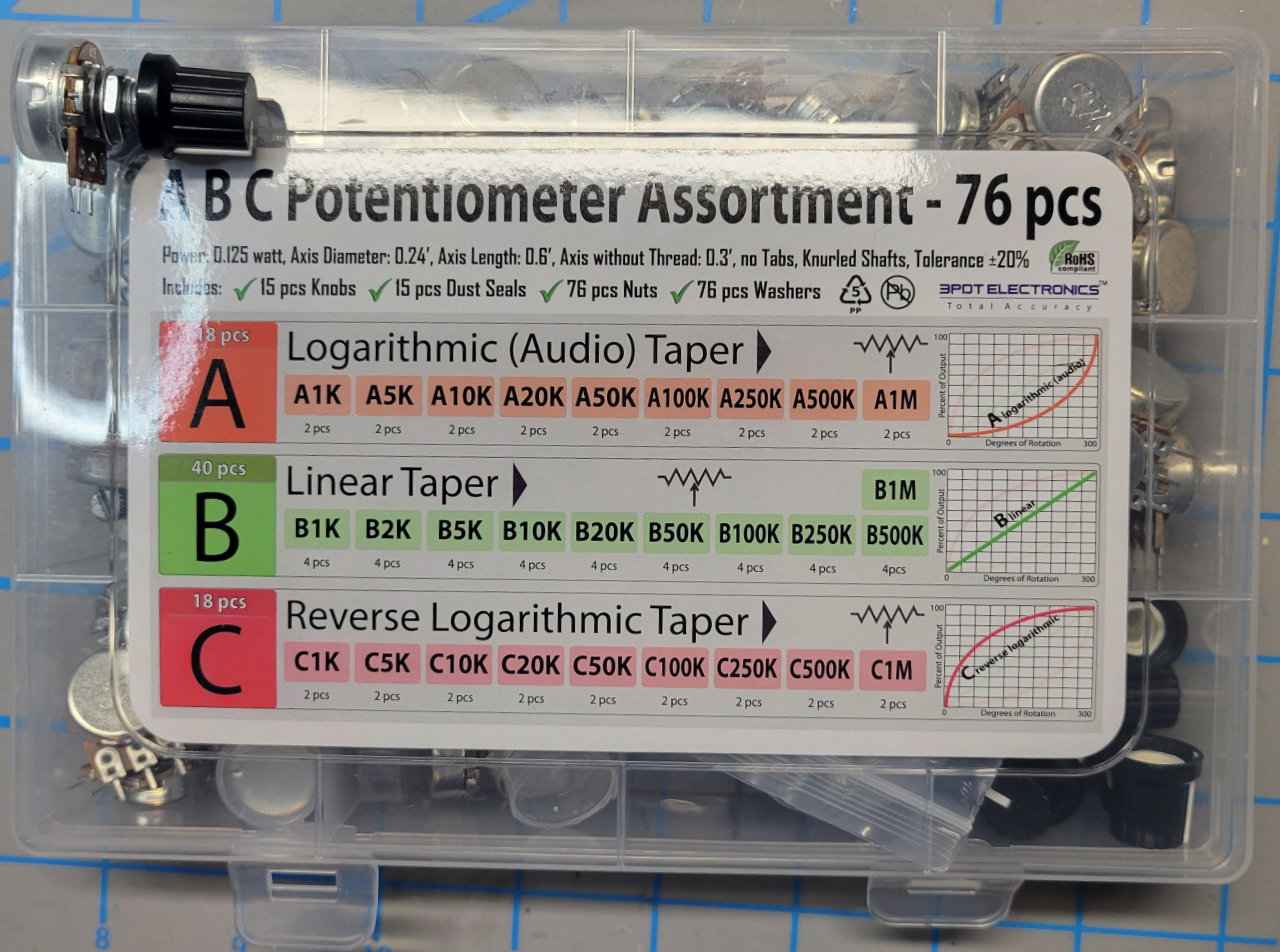
Logarithmic, linear, and reverse log potentiometer assortment
Another type of useful kit is for connectors. Buying individual connectors makes little sense if you plan to use similar connectors in other projects. For the power supply, I bought a kit of screw terminal blocks, a kit for plugging wires into 0.1″ headers, and one for the front panel output jacks in multiple colors, each for less than $10. [2]
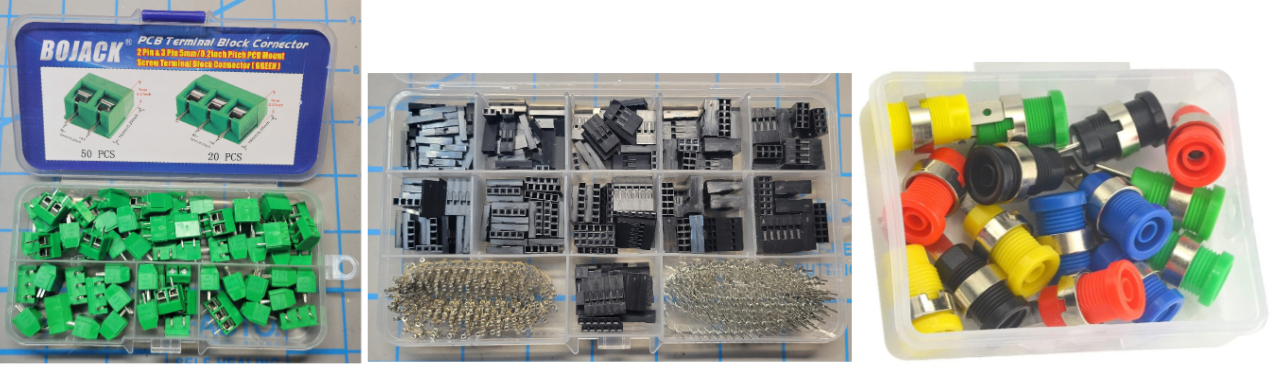
Examples of connector kits
I also bought kits for hardware including a kit of 2mm, 3mm, and 4mm screws with washers and nuts at Microcenter and a kit of #6 screws with washers and nuts.
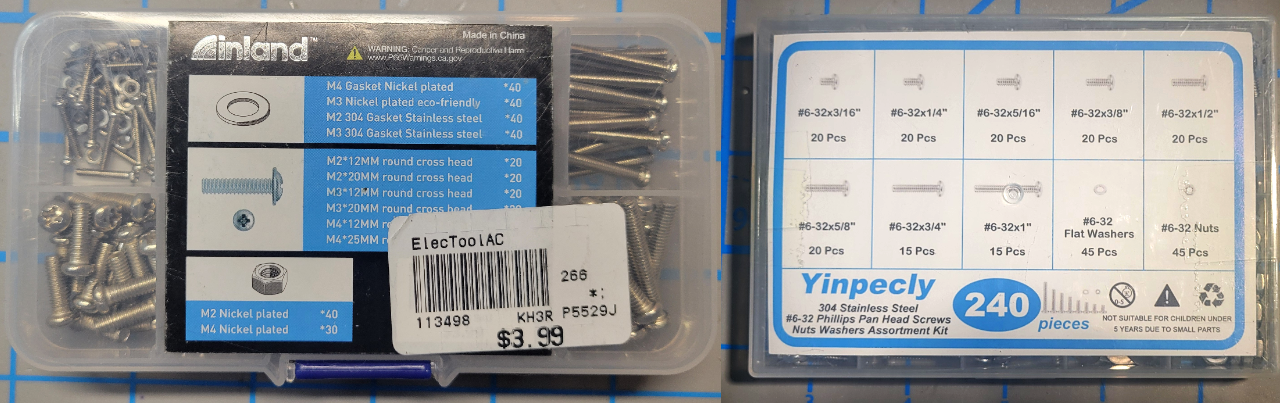
Metric and #6 machine screw kits
I started testing the high-voltage power supply with several 1W resistors in series but I finally broke down a bought a kit of 10W resistors which made testing much easier. I also bought a kit of 34 different 500mW zener values, sure to last me a lifetime. (With semiconductors you could be buying parts that do not meet specifications but I will test them before I use one to make sure they are what they say they are.) I bought a kit of 1W resistors and high-voltage capacitors for the project as well.
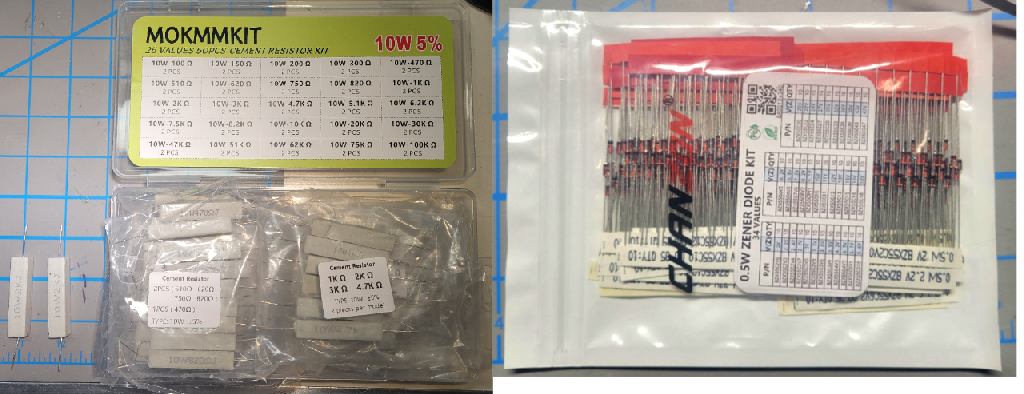
10W power resistor kit and zener diode kit
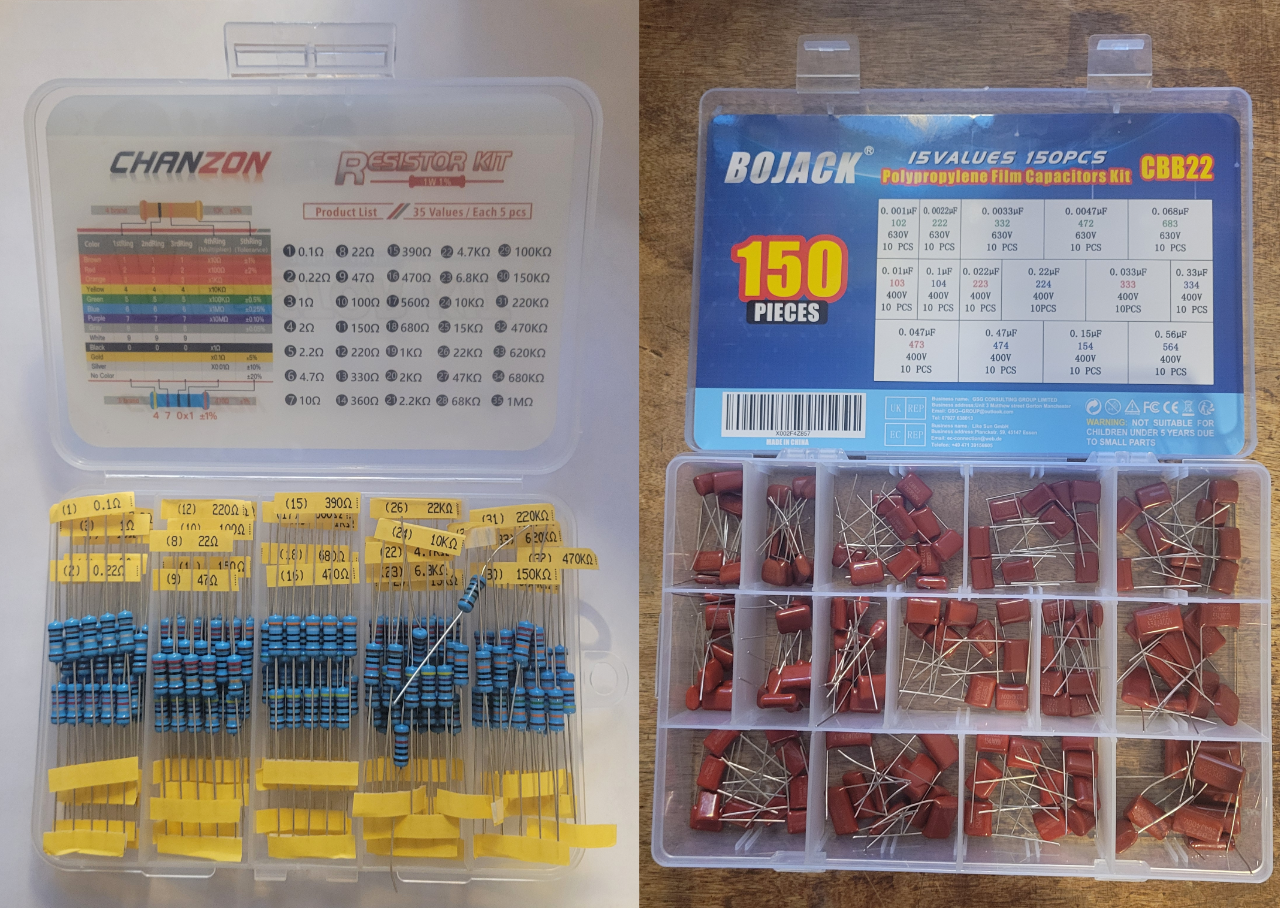
1W resistor and high-voltage capacitor kit
Kits work for simple components such as resistors, hardware, connectors, etc. but not all kits are great. I bought a kit of 10 panel LED lights in different colors for $9 that seemed like a better deal than buying individual lights from Digikey at $4 each. Unfortunately, while the lights in the kit looked like the ones at Digikey, they were poorly made, the crimped-on leads fell off and the LEDs were not glued into the housing so they canted when installed in the panel. I gave up and ordered two of the more expensive ones for my project.
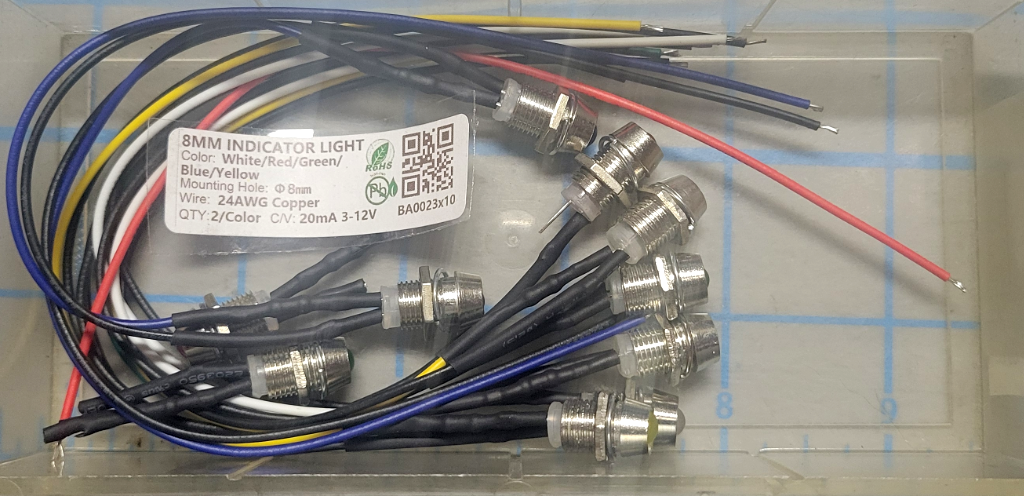
Cheap, poorly made kit of LED panel lights
Similarly, I ordered a set of cord strain reliefs from Amazon but they were sort of inelegant (they would have worked fine) so I bought the more expensive one Paul Horowitz recommended at Digikey.
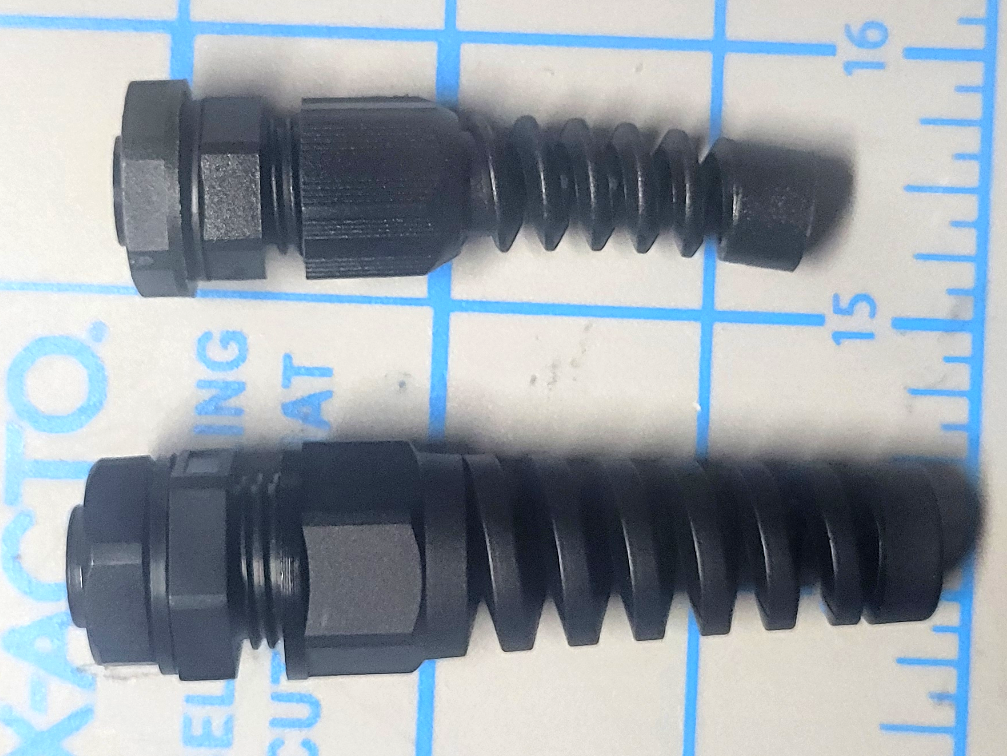
Strain relief cord connectors. I didn’t like the size of the cheaper one on the bottom
Here are some additional kits I bought before the high-voltage power supply project.
The book uses uses 5% resistors with only a few exceptions (e.g., Lab 7L.4) because we want our students to think about component tolerance in their designs. One percent resistors make it too easy to forget that components may not be the exact value printed on them. For that reason I also use 5% resistors in my designs except where a higher precision part is necessary to make the circuit work. I bought this kit of 1% resistors for those occasions. (Obviously there are many more 1% values than contained in this kit but with good design I can usually make one of these values work.)
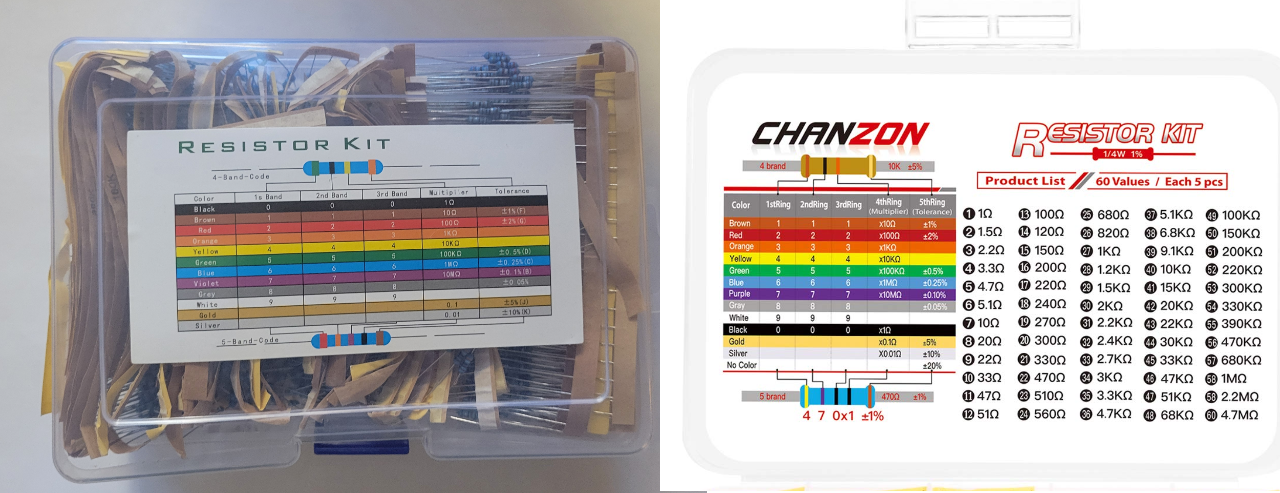
1%, 1/4W resistor kit
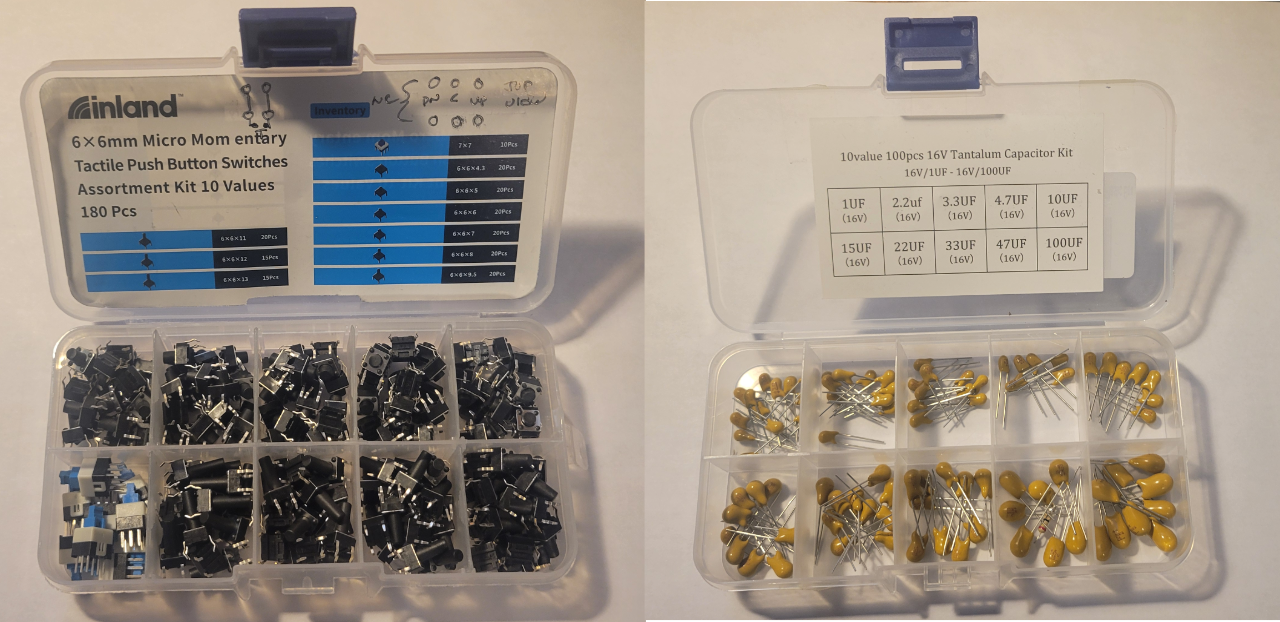
Pushbutton switch and tantalum capacitor kits
[1] The 1N400X series of 1A rectifier diodes comes in increasing max reverse breakdown voltage from 50V for the 1N4001 to 1000V for the 1N4007. A hundred of the 1N4001 costs about $5 while 100 of the 1N4007 costs about $7 so it really doesn’t make sense to stock anything but the 1N4007.
[2] I have mixed feelings about the output banana jack kit. On one hand they look great and allow you to plug in hooded banana plugs like the ones on multimeter leads. This is great for this application which has dangerous voltage on the high-voltage output. The problem is the design makes it hard to solder. The large, thick metal tail takes so long to heat up to get a good solder joint that the plastic housing starts to deform. I destroyed two before I realized you have to plug in a hooded banana jack while you solder to keep the plastic intact until it cools. These would be much better if the solder tail was much narrower so it could heat up quickly to solder. I will probably use a Dremel tool to isolate the tab before using them again.
Read MoreI built a high-voltage power supply for my lab
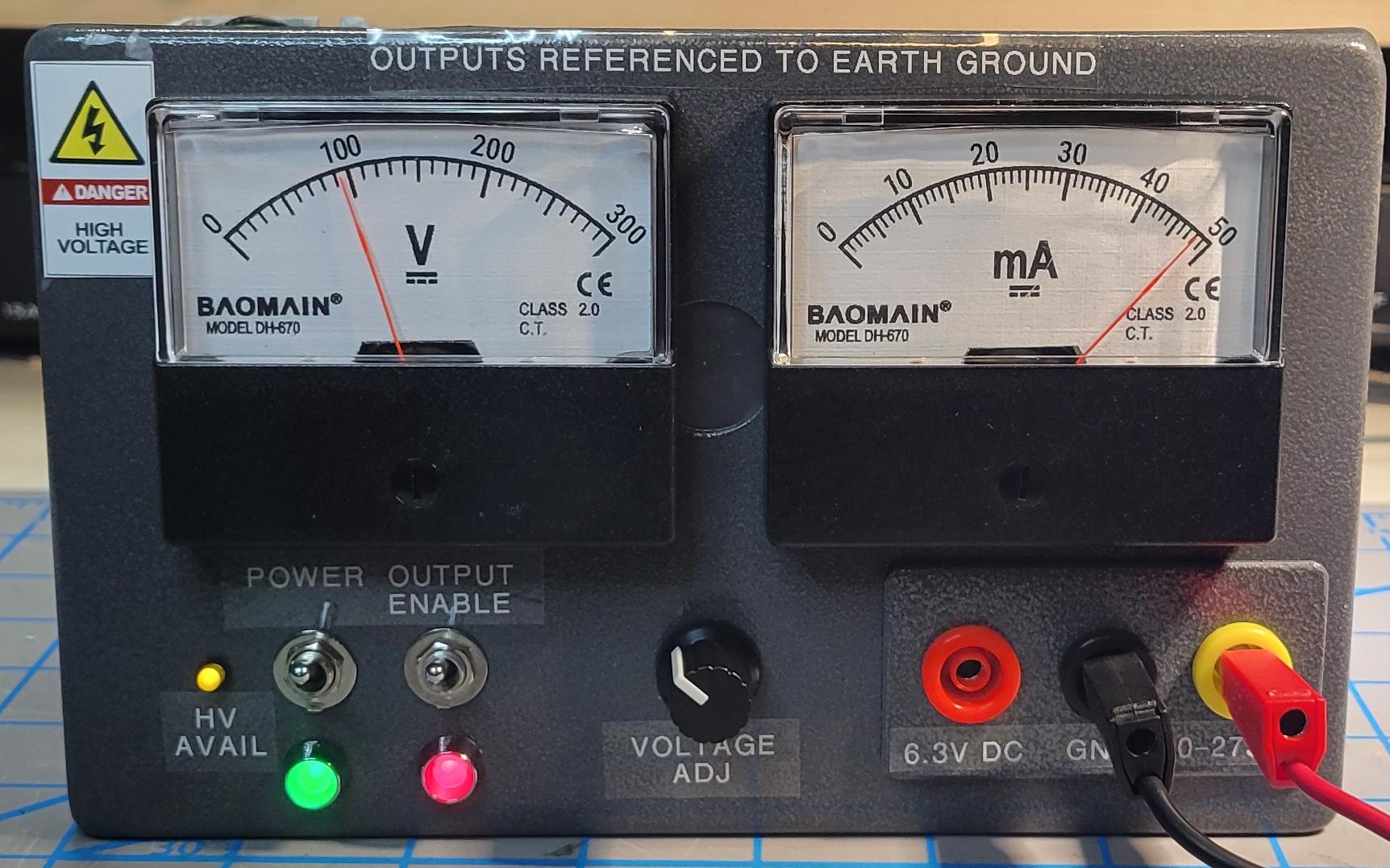
High-voltage power supply supplying 100V to a 2K load
I decided I needed a [moderately] high voltage power supply for my home lab. I wanted a supply I could use for project using Nixie tubes and vacuum fluorescent displays so I decided to build my own. I have a write-up here explaining the steps I took to design, build, and test this project (there are a lot of pictures so it may be slow in loading).
Read MoreA less expensive option for the Microcontroller Labs in Chapters 22 to 27
The Arduino Zero is a full-size Arduino board that contains both the SAMD21G18A microcontroller used on the SparkFun SAMD21 Mini board and a debugger compatible with Segger’s Embedded Studio development environment. If you are willing to deal with the inconvenience of connecting the Arduino Zero to the breadboard, it is a cheaper solution than the SAMD21 and J-Link to complete the microcontroller labs in LAoE. See How to Use an Arduino Zero in Place of the SparkFun SAMD21 in Chapters 22-27
Read MoreHere is a nice tutorial on inductors
We don’t spend a lot of time on inductors in Learning the Art of Electronics. See 3N.3. Real inductors tend have higher losses than real capacitors and also tend to be pretty large at the frequencies we use in the labs. Inductors come into their own at higher frequencies and in higher power circuits like power supplies.
One nice thing about inductors is that they are fairly easy to build — you just need a bunch of turns of wire (often around a core that increases the inductance per turn). If you would like to learn more about inductors, particularly how to build your own, here is a nicely done 13 minute video tutorial covering the basics.
Read More
You can use almost any FPGA. But should you?
A reader wrote:
Will the Digilent Arty S7-50 FPGA board handle all of the WebFPGA labs in LAoE?
It could be overkill, but it’s on sale for 20% off and has some expansion capabilities that interest me. Plus, someone might get it for my birthday. 😀
My response:
There is no reason the Arty S7-50 should not work with all the labs except the ones in Chapter 18S which are Lattice iCE40 specific. We don’t use any fancy features of the FPGA, and the Spartan 7 has many more logic cells than the iCE40. You would, of course, have to use the Xilinx/AMD development tools. In addition, you would have to run wires from the Arty board to your breadboard.
Honestly, though, the magic of the WebFPGA is the simplified zero-install development environment. I can tell you when I first tried FPGA development I spent way more time struggling with the development tools than actually learning to use FPGAs. Xlinx was particularly annoying because there were multiple separate tools for each step of the process and when something did not work figuring out where the problem was was exhausting. (The developers of the tools also exposed EVERY parameter controlling their operation so finding the relevant one was very difficult.)
Since you are putting together your birthday request list, why not add the WebFPGA. (I just added a solder rework station to mine.) If you do decide to try the labs with the Arty board, let me know how it goes.
Read MoreThe Parts Lists now include parts organized by Lab
A reader suggested “[it] could be very good to have the list organized by lab directly.”
My response: A great suggestion. Both the Analog and Digital parts lists now include a list of parts organized by the lab they are used in. The HTML and Excel versions include a tab at the bottom of the page that selects between the parts organized by function and parts organized by lab. The PDF versions have the parts organized by lab as a extra page at the end of the documents.
Read More